

Amazon PPC management in 2026: Why your ACoS is too high and exactly how to fix it

If your Amazon PPC campaigns are bleeding margin and you can’t figure out why, the platform isn’t the issue. The way most sellers structure their campaigns is. Our data consistently shows the same problems across accounts, regardless of category or budget. Wrong campaign structure, ignored search term data, and the same dollars funding the same wasted clicks week after week.
Amazon’s ad revenue passed $68 billion in 2025, growing 22% year over year per the company’s official Q4 2025 earnings release. More sellers are running sponsored ads, CPCs are climbing, and competition on the Amazon marketplace is at an all-time high. Every dollar of ad spend you waste is a dollar your competition is using to take your placement.
This guide covers:
- Why Amazon PPC ACoS Is High
- Three-Pillar PPC Campaign Structure
- How to Fix Wasted Ad Spend
- 2026 Amazon PPC Tactics
- ACoS Benchmarks by Category
TL;DR:
High ACoS in 2026 almost always comes from no campaign separation, weak negative keyword lists, broad-match-heavy keyword strategies, and listing pages that don’t convert. Fix those four things in order, and most sellers can cut ACoS by 20–30% within 30 days without touching their ad budget or giving up product visibility.
What ACoS Actually Tells You (And What It Doesn’t)
Before you can fix your ACoS, you need to know what it’s actually measuring.
ACoS (Advertising Cost of Sale) is the percentage of ad-attributed revenue going back into advertising.
Formula:
ACoS = Ad Spend/Ad Sales x 100
Simple enough.
But most sellers misread what the number means for their specific situation. A 40% ACoS is not automatically a problem. During a product launch, paying 40–60% to build sales velocity and organic rank is often the right call. You are buying data and position, not just orders.
But if you are running that same ACoS on a two-year-old product with established demand, you’re losing margin on every single sale.
The target ACoS rule is straightforward: your ACoS should sit 10–15% below your actual profit margin. If your margin is 40%, your target ACoS is 25–30%.
Anything above that, and you are essentially breaking even on ad-attributed sales after fees, shipping, and returns.
ACoS only captures ad-attributed sales. That’s where most sellers stop looking, and that’s why they miss the bigger picture.
TACoS is the number that shows whether ads are growing your business.
TACoS (Total Advertising Cost of Sale) measures advertising spend against total revenue, including organic. That’s the number that shows whether your Amazon advertising is building something over time or just keeping itself alive.
When TACoS drops while revenue holds steady or grows, your paid campaigns are lifting organic rank. That’s the flywheel working properly. When TACoS stays flat or rises, your ads are recirculating the same customers at a cost.
Key performance indicators by phase:
| Phase | Primary Metrics | Target |
| Launch (0–30 days) | CTR, CVR | CTR >0.35%, CVR >10% |
| Growth (30–90 days) | ACoS | Category benchmark ±5% |
| Evergreen (90+ days) | TACoS, Profit | TACoS <15% |
Optimizing TACoS during a launch is like grading a foundation before the walls are up. Once you know what to measure, the next question is what’s actually driving that number up.
Four reasons ACoS is too high
Most high ACoS problems trace back to the same four issues, and none of them are fixed by lowering bids.
1. Campaign Structure Is Mixing Objectives
This is the most common issue in Amazon PPC management and the one that costs the most money. Most sellers run one or two advertising campaigns, trying to do everything at once.
Discover new keywords, rank for high-intent terms, and protect proven winners, all inside the same ad group. That setup guarantees bloated advertising costs and zero clean signal on what’s actually working.
Amazon PPC campaigns need to be separated by objective. Auto and broad match should exist only for discovery. Exact match should handle your best-performing keywords.
When you mix them, Amazon’s algorithm allocates your ad budget wherever it fits, not where you need it to go.
The fix is a three-pillar structure for your Amazon ad campaigns:
| Campaign Type | Purpose | Daily Budget | ACoS Target |
| Discover Campaigns | Keyword discovery only | $20–$30/day | 50–70% |
| Rank Campaigns | Push best terms to page one | $50–$100/day | 40–60% |
| Harvest Campaigns | Protect margins on proven terms | $10–$20/day | 15–25% |
Never mix launch and evergreen ppc campaigns. Isolate your top one to three ASINs into their own campaigns so you can control budget and bidding independently.
2. Irrelevant impressions are wasting ad spend
Without a structured negative keyword strategy, your Amazon sponsored ads can appear for low-intent searches like “cheap,” “free,” “DIY,” “used,” or unrelated competitor terms. These clicks spend the budget without bringing in qualified buyers.
These irrelevant impressions are pure wasted spend that compounds every day. Most sellers add a few negatives at campaign setup and never look at them again. That’s not enough in a competitive marketplace where new irrelevant queries constantly show up.
Your search query performance report shows exactly which terms are burning your advertising budget every week. The question is whether you are acting on it.
The practical rule: Add 10–20 new negative keywords weekly, pulled straight from your search term report. Any term with 20+ clicks and zero sales gets negated.
Pro Tip: Pull your search term report for the last 60 days. Filter for terms with 10+ clicks and zero conversions. That list is your wasted spend. Add every term as a negative exact match today. It’s the fastest free win in amazon ppc management.
3. Unspecific and Broad Keyword Strategy
Broad match keywords have their place. They surface high-converting search terms you would never have found through manual keyword research alone

But if broad match is carrying most of the weight in your Amazon PPC campaigns, you’re paying top CPCs to reach shoppers with no real buying intent.
A solid keyword strategy works as a funnel.
- Use broad match for discovery.
- Use phrase match to test intent.
- Use exact match for your best performers, where you can control bids precisely.
Moving advertising spend from exploration to your proven high-intent shoppers is how campaigns go from expensive to profitable.
4. Your Listing Is the Actual Conversion Problem
If your conversion rate is below 10%, the issue may not be your ppc management but your listing.
Your product detail page is your landing page. Every click you pay for lands there. If the images are weak, the bullets cover specs instead of benefits, reviews are thin, or pricing is out of step with competitors, you are paying to send targeted traffic to a page that talks people out of buying.
Before touching a single bid, check:
- Main image on a white background with clear product detail
- Title includes primary keyword plus a clear benefit statement
- Five bullet points lead with benefits, not specs
- 15+ reviews at 4+ average rating
- Price within 10% of your top three competitors
- A+ Content live if your brand is registered
A 1% lift in conversion rate does more for your ACoS than a 10% cut in CPC.
How to fix your ACoS
Here’s how to bring your ACoS back under control without cutting the campaigns that are actually working.
Step 1: Run an Amazon PPC Audit Before Changing Anything
Before adjusting bids or restructuring campaigns, get a clear picture of where the money is going. Pull 60 days of data across all your Amazon ad campaigns and note:
- ACoS vs. target for each campaign
- Keywords with 30+ clicks and a conversion rate below 10%
- Keywords with 20+ clicks and zero sales
- Advertising spend split by match type
- Search terms are showing up that have nothing to do with your product
This Amazon PPC audit gives you a prioritized list of problems to fix in order. Based on actual evidence from the account.
Step 2: Rebuild Campaign Structure Around the Three-Pillar System
If your campaigns are tangled, don’t try to fix them in place. Start fresh with a structure built around three distinct functions.
- Discover: Run auto and broad match with a controlled daily budget. This is where new keyword data comes from.
- Rank: Reserve this for your five to ten highest-intent keywords where placement directly impacts organic position.
- Harvest: Move proven exact match keywords here. This is your efficiency campaign.
For a new campaign setup, start with dynamic bidding set to Down Only. This lets Amazon reduce bids in low-conversion situations without inflating costs when placement data is thin. After 14 days of clean data per campaign, reassess whether to adjust bids or switch to Up and Down.
Step 3: Build a Real Negative Keyword List
The first week after restructuring should be heavy on negative keyword work. Start with 10–20 obvious negatives that clearly don’t fit your product. Then pull your 60-day search term report and add every non-converting term above your click threshold.
Group negatives by type:
- Intent negatives: cheap, free, DIY, tutorial, how to make
- Condition negatives: used, refurbished, broken, replacement parts (if you don’t sell them)
- Brand negatives: competitor names, unless you are running intentional conquest campaigns
Run through this process every week. The tighter your negative list, the fewer irrelevant impressions, and the stronger your CTR on the terms that matter for capturing high-intent shoppers.
Step 4: Adjust Bids Using Conversion Rate Signals, Not Just ACoS
Responding to ACoS alone is a lagging-indicator approach. By the time a keyword looks bad in your report, it’s already been burning budget for weeks. Conversion rate is the leading signal. Use it to guide your next move.
Apply this weekly:
- Raise bids 10% for keywords where CVR is above 15%.
- Drop bids by 10% for keywords where CVR is below 5%.
- Pause keywords with 30+ clicks and CVR under 10%.
For ASIN targeting, split into two groups. Competitor ASINs for conquest traffic and complementary ASINs for cross-sell. Track and bid each group based on its own CVR data independently.
Must-know Amazon PPC management strategies
Use these strategies to control spend, improve targeting, and turn Amazon PPC into a more profitable growth channel.
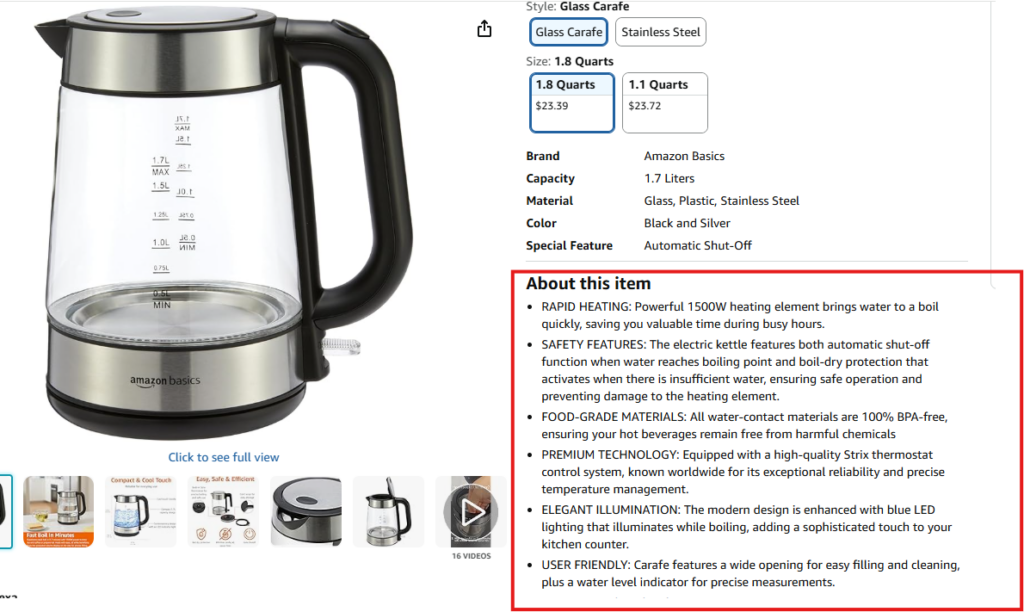
1. Rufus Changes What Keyword Research Means for Product Listings
Amazon’s AI shopping assistant, Rufus, changed how product discovery works on the platform. Rufus reads conversational queries and surfaces products based on intent. Your keyword strategy now needs to reflect how real shoppers phrase questions out loud, not only how they type short search strings.
In practice:
- Write titles and bullets that answer questions directly, not just list features
- Add 10+ Q&A entries that mirror how people ask about your product category
- Use full sentences in bullets that answer “what problem does this solve?”
If your listing only targets exact-match phrases, Rufus is routing relevant high-intent shoppers to listings that speak their language instead.
Pro Tip: Go to your product’s Q&A section and read the actual questions customers have submitted. Those are real Rufus query signals.
Write bullets and titles that answer those questions directly, and you are optimizing for both Amazon’s advertising strategy algorithm and conversational search at the same time.
2. Sponsored Brands Video Is Underused and Outperforms
Sponsored Brands Video appears in search results, autoplays, and captures attention before a shopper reads a title. For ecommerce brands with past 10 reviews and a 4+ star rating, SBV consistently beats standard sponsored products on CTR in the same placement.
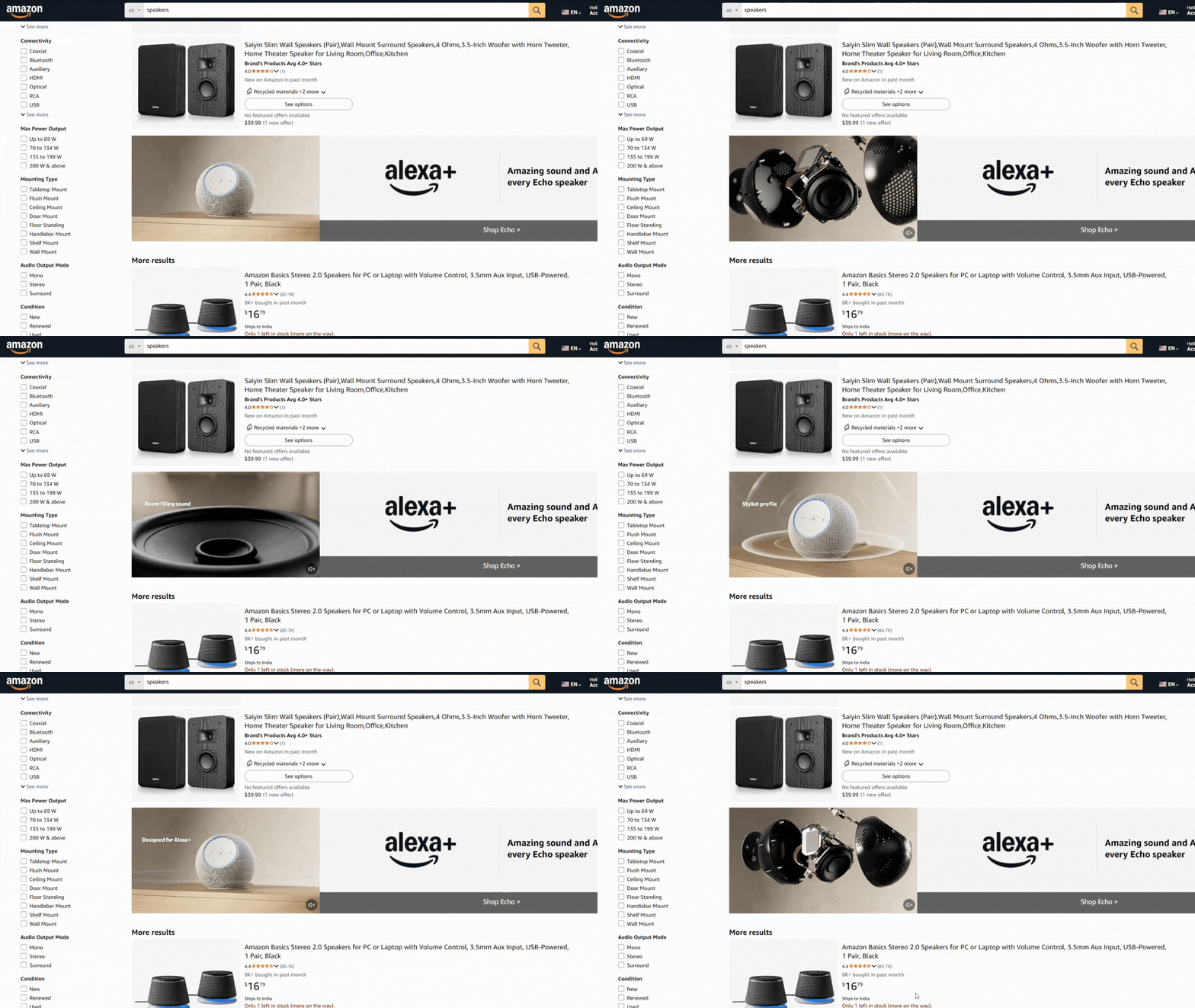
For creative development, your product needs to appear in the first three seconds. No slow brand intros. Show the product, show it in use, show the problem it solves. Keep it under 30 seconds.
Budget sponsored brands video separately from your sponsored product ads, starting at $30–$50/day. Track it separately to see exactly how it contributes to performance.
3. Dynamic Bidding and Time-of-Day Adjustments Drive Measurable Results
Peak purchase hours on Amazon run 6–10 PM.
Raising bids 15–20% during this window and pulling them back 25–30% between 2–5 AM can improve ACoS without changing your base bids at all.
At scale, tools like Helium 10, Pacvue, or Sellics automate this. If you are managing manually, build a weekly review of hourly performance into your routine.
Dynamic bidding set to Up and Down works well for proven exact match keywords in Harvest campaigns where Amazon has a strong conversion signal. Keep it on Down Only for Discover and Rank campaigns until you have 30+ days of reliable performance data.
4. Protect Revenue with Brand Defense Campaign

Running Amazon sponsored ads on your own brand name sounds like a waste until you check whether competitors are already bidding on it. In most categories, they are.
Brand defense campaigns use exact match on your brand name plus modifiers like “review,” “best,” and “alternative.” CPC is low because your own listing converts at the highest rate for branded queries.
For most sellers with any market presence, brand visibility campaigns on branded terms protect 2–4% of total revenue from leaking to competitors every month without anyone noticing.
Pro Tip: Search your own brand name on Amazon right now. If competitor sponsored ads are appearing above or beside your listing, you are already losing the traffic you earned. A brand defense campaign running at $5–$10/day fixes this at minimal advertising cost and delivers some of the best ROAS in your entire account.
The weekly optimization routine
1. Daily (10 Minutes)
Check budget pacing across all campaigns. Check inventory levels. Pause amazon ppc campaigns if stock drops below 30 units. Pause any keyword that crosses 20 clicks with zero sales.
Pro Tip: A lot of sellers check their accounts daily and make changes daily. That’s not optimization, that’s noise. Daily checks should only catch things that can waste significant money within hours, like a budget running out early, a CPC spike, or an out-of-stock product still running ads. Everything else waits for the weekly review. Don’t confuse motion with progress.
2. Weekly (30 Minutes)
Pull the search term report. Move five to ten winning terms from auto or broad campaigns into exact match. Add 10–20 new negative keywords. Adjust bids using CVR signals. Review search query performance by campaign to catch advertising spend issues before they compound.
3. Monthly (1 Hour)
Reassess ACoS targets against your current margin. It changes. Refresh sponsored brands video creative elements if you’re running video. Audit your Q&A section and add five new entries. Review competitor pricing and check whether your position has shifted.
Common mistakes and what they cost you
| Mistake | Estimated Cost | Fix |
| Auto + manual campaigns mixed | 15–25% wasted spend | Separate by objective |
| No negative keyword list | 10–20% wasted spend | Add 10–20 negatives weekly |
| Broad match carrying the whole account | 30–50% wasted spend | Move winners to an exact match |
| Scaling before 14 days of data | 20–40% wasted spend | Wait for 100+ clicks first |
| No brand defense campaign | 2–4% revenue lost | Run an exact match on branded terms |
| Listing CVR problems going unaddressed | Multiplies all of the above | Fix the listing before raising bids |
When to hire an amazon ppc agency
Handling Amazon PPC in-house works at a certain scale. Once you’re running more than five ASINs, spending $5,000+ monthly on ads, or selling across multiple channels, the complexity outgrows most internal teams.
A good Amazon agency brings structured access to Brand Analytics and Amazon Marketing Cloud data, bid automation through proven workflows, and dedicated account managers reviewing performance daily.
Advertising decisions get made from account patterns and industry benchmarks that take years to build, not just your own data.
When evaluating agencies, look for detailed reporting, actual search term reports, and clear KPIs set up front in the contract.
Ask for TACoS improvement over time, not just ACoS, and proof of monthly sales impact across comparable accounts. Any Amazon PPC provider that can’t answer those questions clearly isn’t worth the spend.
Not ready to commit to full management?
Aureate Labs offers an Amazon PPC audit that shows you exactly where the structural problems are before you burn through another month of ad spend.
FAQ
What is a good ACoS on Amazon in 2026?
It depends on your margin and your phase. At launch, 40–60% is normal. During growth, target 25–35%. For evergreen products, 15–25% is the benchmark. Your target ACoS should always sit 10–15% below your actual profit margin.
How much should I spend on Amazon PPC per day?
Start at $20–$50/day for new products across your campaign structure. After 14 days and 100+ clicks, scale to $100+/day if the conversion rate is above 10%.
Should I use automatic campaigns in 2026?
Yes, for keyword research and discovery. Run auto campaigns for 7–14 days, pull the winners into manual exact match, and keep adding negative keywords to auto campaigns weekly or they turn into money pits.
What’s the difference between ACoS and TACoS?
ACoS measures ad spend against ad-attributed sales only. TACoS measures advertising spend against your total revenue, including organic. TACoS is the better long-term health metric because it shows whether your amazon ppc advertising is generating organic rank lift or just recycling the same buyers at a cost.
How long does Amazon PPC take to become profitable?
Most accounts need 14–30 days and at least 100 clicks per keyword for the data to be meaningful. Making major changes before that threshold leads to decisions based on noise.
Can I run Amazon PPC without brand registration?
Yes. Sponsored Products and Sponsored Product Ads are available to all sellers on the Amazon marketplace. Brand registration gives you access to Sponsored Brands, Sponsored Brands Video, and more precise targeting within Amazon advertising services.
What tools do I need for Amazon PPC management in 2026?
At minimum, Helium 10 or Jungle Scout for keyword research. Amazon Brand Analytics and Amazon Marketing Cloud are available natively for brand-registered sellers and cover search query performance, audience overlap, and attribution. For automation and detailed reporting at scale, Pacvue, Sellics, or Perpetua are the standard options.
What is the Amazon Demand Side Platform?
The Amazon Demand Side Platform (DSP) is a programmatic advertising platform that lets you serve display and video ads on Amazon and across third-party sites. Unlike Amazon Sponsored Ads, DSP reaches shoppers off-platform and is built for full-funnel Amazon marketing strategies and retargeting. It typically requires a minimum monthly spend and is managed either directly or through an Amazon advertising agency.






Post a Comment
Got a question? Have a feedback? Please feel free to leave your ideas, opinions, and questions in the comments section of our post! ❤️