

10 Best Conversion Rate Optimization Tools of 2026

You have the traffic. People click your ads and visit your website every day, but without the best conversion rate optimization tools, conversions still don’t show up.
This is a problem many brands face today. The issue is not traffic. It is understanding. You do not need more visitors. You need to know why your visitors pause, why they leave, and what makes them say yes.
This is where the best conversion rate optimization tools help. They show how people use your site.
- What catches their eye?
- What stops them from taking action?
- What makes them buy?
When you see your website the way your visitors do, every change becomes smarter. Every click starts to count.
No matter what you sell, the best conversion rate optimization tools bridge the gap between traffic and results. They help you recover lost sales, improve conversions, and optimize your website traffic to see better ROI without extra cost.
Choosing the right tool, though, is not easy. There are too many options and too much noise. That is why we made it simple for you.😄
In this blog, we have curated the tried and tested 10 Best conversion rate optimization Tools of 2026. Each one is proven and trusted to boost conversions and drive real growth.
By the end, you will know which tools can help you track, improve, and master your conversions this year.
Let us start with the basics and understand how CRO tools analyze web pages.
What are Conversion Rate Optimization Tools?
CRO tools help you understand how people use your website and provide actionable insights on what stops them from taking action.
They work through funnel tracking, behavior analysis, personalization testing, and surveys to show what is working and what is not.
These best conversion rate optimization tools record real visitor behavior. So you can see where people click, scroll, and leave. With this data, you can fix issues, improve experience, and increase your conversion rate with confidence.
CRO tools replace guesswork with facts. They let you test different layouts, messages, and designs to see what brings better results.
Most tools include heatmaps, session recordings from analytics, and surveys. Together, they show how visitors move across your pages and what changes can lead to more conversions.
Whether your goal is to get more sales or better engagement, the best conversion rate optimization tools give you the clarity to make smart improvements that drive growth. The goal is simple. To turn more visitors into customers.
Types of CRO Tools
Here are some popular types of the best conversion rate optimization tools you can use today:
1. A/B Testing Tools
A/B testing tools are among the best conversion rate optimization tools that let you compare two versions of a page. You can test headlines, buttons, or images. They show what works best and brings more sales. You learn what your audience likes most.
2. Heatmap and Session Recording Tools
These best conversion rate optimization tools show how people use your site. Heatmaps reveal where they click. Recordings show what they do before they leave. This helps you fix weak spots and improve flow.
3. Analytics Tools
Analytics and reporting tools are also part of the best conversion rate optimization tools that track user activity. They show visits, clicks, and drop-offs. You can see what works and what needs fixing. The data helps you make smart decisions.
4. Survey and Feedback Tools
Survey tools are one of the best conversion rate optimization tools to understand what visitors think. You learn what they like and what stops them from buying. Their feedback helps you build a better user experience.
5. Lead Capture Tools
Lead capture tools collect user info. They use forms or pop-ups to get emails or phone numbers. This helps you follow up later. It turns visitors into potential customers.
6. Personalization Tools
Personalization tools make your site feel personal. They show content or offers that match each visitor’s interests. This keeps users engaged and builds stronger trust.

Pro Tip: Learn systematic optimization methodology in our comprehensive guide on what is conversion rate optimization to build a testing roadmap that makes every tool investment pay off through strategic implementation.
10 Best Conversion Rate Optimization Tools of 2026
| S.No. | Tool Name | Type/Capabilities | Pricing |
| 1. | Hotjar | Tracking user behavior and feedback with heatmaps and session recordings | Free plan available |
| 2. | VWO Insights | A/B testing and behavior analytics for websites and apps | Free plan available |
| 3. | Google Analytics (GA4) | Analyzing website data and conversion funnels | Free |
| 4. | OptinMonster | Creating pop-ups and lead capture campaigns that boost conversions | $7/month |
| 5. | TypeForm | Building interactive surveys and feedback forms | $25/month |
| 6. | Shoplift | A/B testing and behavior analytics for websites | $99/month |
| 7. | Unbounce | Building and testing landing pages that convert | $74/month |
| 8. | Instapage | Creating high-performing landing pages with heatmaps and testing | $79/month |
| 9. | UserVoice | Managing product feedback and customer insights | $899/month |
| 10. | HubSpot | All-in-one CRM for marketing, sales, and customer growth | Free plan available |
Let us explore each tool in detail and see why they rank among the best conversion rate optimization tools.
1. Hotjar
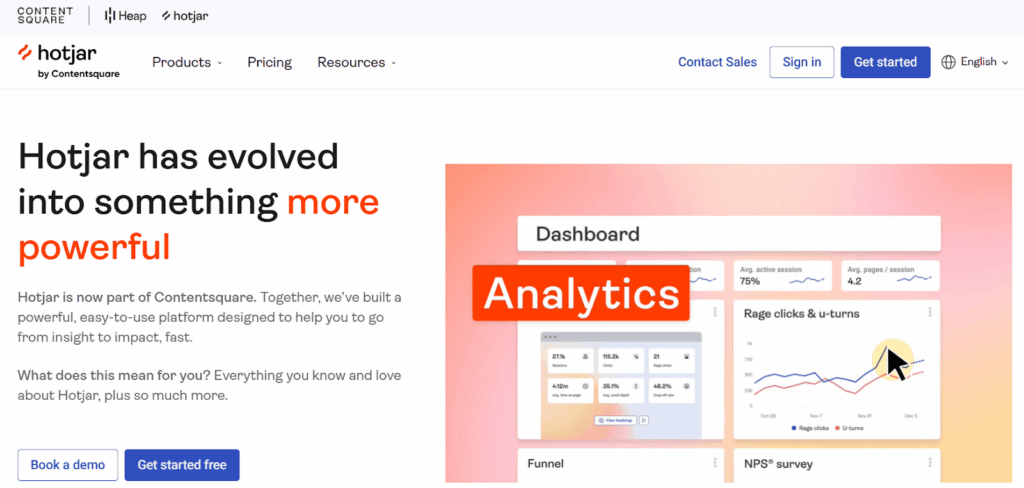
Hotjar is one of the most trusted behavior analytics and feedback tools that helps you see how visitors use your website and why they take certain actions. It brings heatmaps, session recordings, on-site surveys, and feedback tools together in one place.
Instead of looking at numbers, Hotjar provides the full narrative behind every click, scroll, and movement on your Site. You can find out what grabs attention, what gets ignored, and where users drop off your page.
Hotjar also helps you get feedback directly from your visitors. You can ask simple questions while they browse, run polls, or send surveys after their visit. This gives you real answers about what works and what needs to change.
Key Features:
- See where users click, tap, and scroll to understand engagement.
- Watch real visitor sessions to find what causes drop-offs.
- Collect instant feedback through on-site polls and surveys.
- Track every step in the conversion funnel and locate weak points.
- Analyze form activity to fix what stops users from completing it.
- Get smart insights that speed up survey creation and analysis.
- Connect with Google Analytics, WordPress, and Shopify for deeper data.
Pricing Plans
- Free: $0 forever
- Growth: $40 per month
- Pro: Custom pricing
- Enterprise: Custom pricing
(Prices shown are indicative and may vary with time. Check the official site for current pricing.)
Ideal For: Understanding customer data and user behavior, and finding why visitors leave your site.
2. VWO Insights
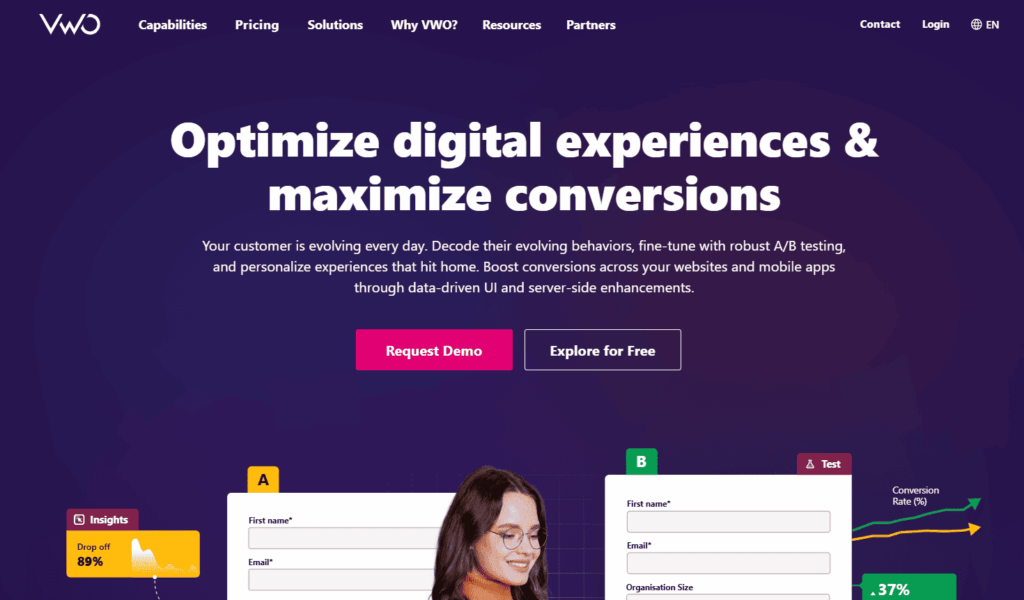
VWO Insights is one of the most advanced CRO platforms. It brings behavior tracking, testing, and 360° analytics together in one easy-to-use platform. It provides some advanced functionalities such as session recordings, heatmaps, surveys, forms, funnels, and audience segments for websites and apps.
VWO can reveal where visitors drop off in an experience, and why they hesitate to take action. It lets you create on-site surveys to elicit direct feedback from users. You can then use their feedback to address friction, test new concepts, and optimize the user experience.
VWO can support you in testing every change and tracking the results, whether you are changing headlines, modifying product pages, or changing the color of buttons.
Key Features:
- Run A/B tests on any website or app element.
- Edit and test changes easily without coding.
- See heatmaps and session recordings.
- Track funnels to find where users drop off.
- Measure the revenue impact of each test.
- Personalize experiences for different users.
- Optimize performance across all devices.
Pricing Plans
- Starter: Free
- Growth: $185 per month (billed annually)
- Pro: $444 per month (billed annually)
- Enterprise: Custom pricing based on business needs
(Prices shown are indicative and may vary with time. Check the official site for current pricing.)
Ideal For: Testing different versions of your website copy, layout, and design to see what drives the most conversions.
3. Google Analytics (GA4)
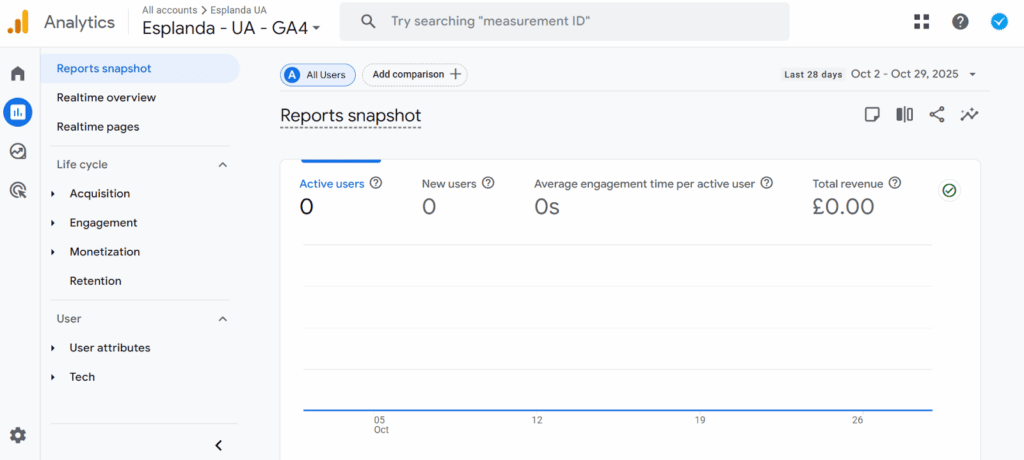
Google Analytics is the leading option across the globe as a free analytics tool. You can check different key metrics such as sessions, bounce rate, and pages viewed in real time from anywhere across your site.
You can also find out where your visitors are coming from, where they are in the world, and what devices they are using.
GA4 has advanced features with cross-device tracking, predictive analytics, and privacy tools that make leveraging data to inform decisions easier. Google Analytics is free, although there is a premium option, GA360, that provides deeper reports and advanced insights, especially for larger organizations.
Key Features:
- Track how users move across your website in real time.
- See where traffic comes from and which channels perform best.
- Measure how landing pages and content impact conversions.
- Find pages with high drop-offs in your conversion funnel.
- Track both sales and engagement to get a full performance view.
- Compare user behavior across different devices and browsers.
- Create custom reports for your goals and campaigns.
Pricing Plans
- Free: $0
- GA4 360: $50,000 per year (for up to 25 million events)
(Prices shown are indicative and may vary with time. Check the official site for current pricing.)
Ideal For: Analyzing data to find low-converting pages and where users drop off.
Analytics reveal problems, but fixing them requires understanding the psychology behind user behavior. Seeing drop-off points matters less than knowing why visitors abandon.
Pro Tip: Combine tool data with conversion psychology principles from our guide to increase your conversion rate to transform raw metrics into actionable insights that actually move the needle on sales.
4. OptinMonster
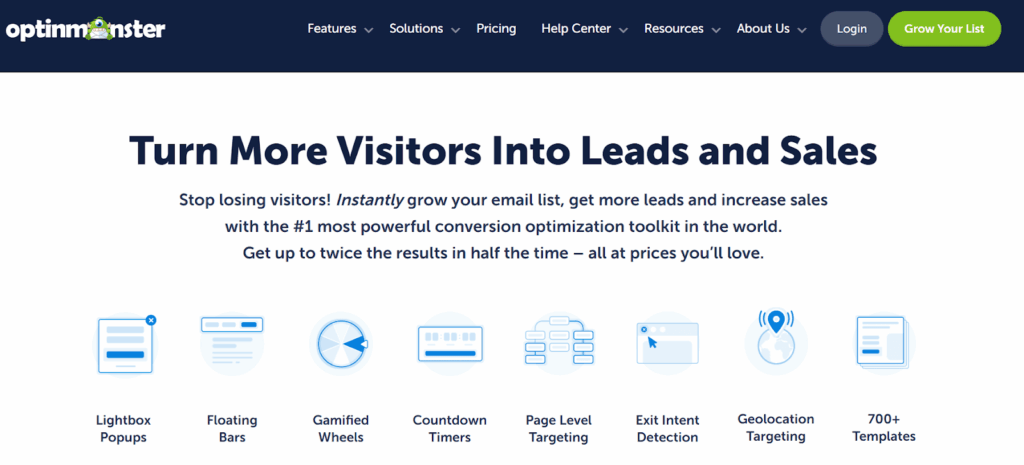
OptinMonster is a smart platform that helps you convert your website visitors into leads and customers.
It lets you build pop-ups, slide-ins, floating bars, or full-screen campaigns that grab website engagement at the right time.
You do not need to have design or coding experience to use the platform. Just use the rag and drop builder without spending hours designing your campaigns with templates.
You will be able to test what works best, analyze your campaign performance, and reach the right audience at the right time. Also, you can even use our exit intent feature to capture potential users before they leave your Site.
If you want to get more sign-ups, sales, or subscribers, OptinMonster will give you the tools you need, so you can create actual growth from your website traffic.
Key Features:
- Build and customize campaigns with a simple drag-and-drop editor.
- Use ready templates for quick setup.
- Target visitors by behavior, location, or actions.
- Track results with built-in analytics.
- Show pop-ups when users are about to leave your site.
- Test different campaign versions to find what works best.
- Connect easily with tools like Google Analytics, WordPress, and Shopify.
Pricing Plans
- Basic: $7 per month
- Plus: $19 per month
- Pro: $29 per month
- Growth: $49 per month
It also offers a 14-day money-back guarantee for every plan.
(Prices shown are indicative and may vary with time. Check the official site for current pricing.)
Ideal For: Businesses that want to grow email lists and boost sales with smart on-site campaigns.
5. TypeForm
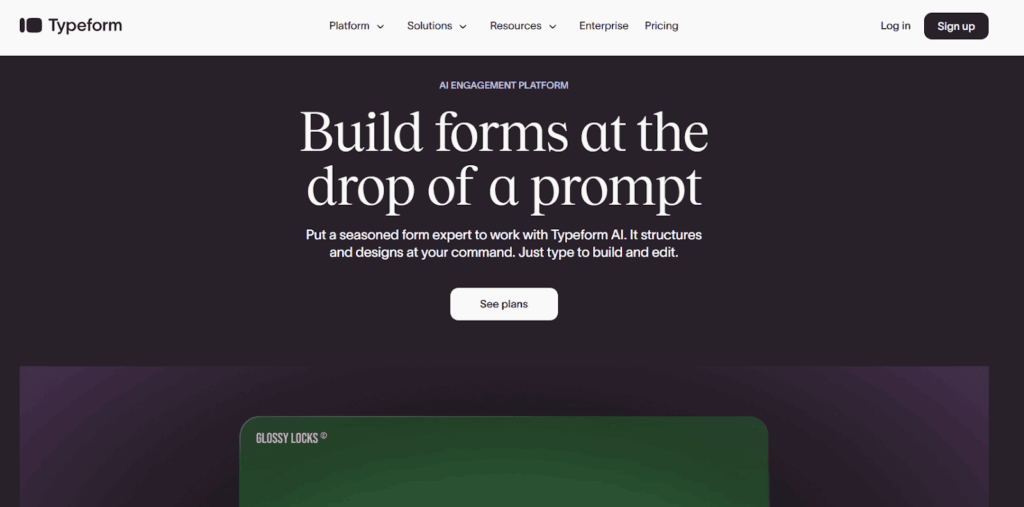
Typeform is a simple tool that helps you create interactive forms, surveys, and quizzes. It keeps users engaged till the end.
Unlike regular forms, Typeform feels human. It asks one question at a time, making it easy and pleasant to complete. This helps you get more responses and better insights.
You can build feedback forms, lead capture surveys, or NPS polls without coding. The drag and drop builder and ready templates make setup quick and simple.
Typeform also connects with tools like Zapier, HubSpot, Google Sheets, and Slack. You can use your data instantly across platforms.
If you want to understand your audience and collect real feedback, Typeform is a smart choice.
Key Features:
- Typeform shows one question at a time for a smooth experience.
- Logic jumps guide users through relevant questions only.
- Choose from ready templates for surveys and feedback forms.
- Add images and videos to make forms more engaging.
- Connect easily with HubSpot, Google Sheets, and Slack.
- Track form results and user activity in real time.
Pricing Plans
- Basic: $25 per month
- Plus: $50 per month
- Business: $83 per month
- Enterprise: Custom pricing
(Prices shown are indicative and may vary with time. Check the official site for current pricing.)
Ideal For: Collecting honest feedback from users at every stage of research and design.
6. Shoplift
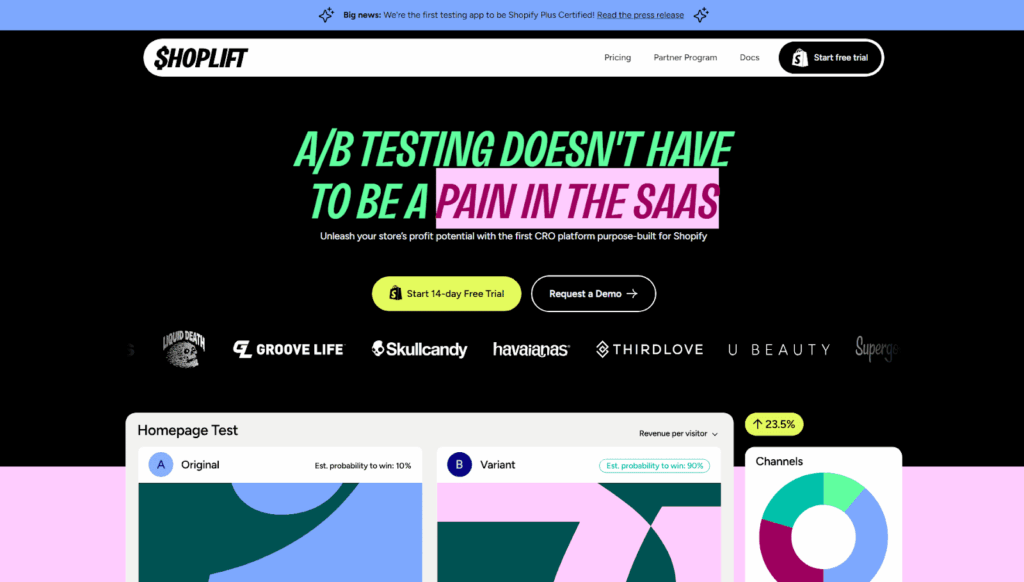
Shoplift is a powerful CRO (Conversion Rate Optimization) tool built specifically for Shopify brands. It helps you run high-quality A/B tests without coding, so you can improve your store’s conversions faster and with confidence.
Unlike traditional testing tools that feel complex, Shoplift handles the heavy lifting automatically, analyzing your store, generating test ideas, and suggesting optimizations tailored to your brand. This makes experimentation easier even for non-technical teams.
You can test product pages, images, pricing, badges, layouts, and content variations without touching Liquid code. The smart editor and AI-powered suggestions help you launch tests in minutes instead of days.
Shoplift also integrates seamlessly with Shopify, meaning it uses your existing store data and traffic without extra setup.
If you want to increase revenue, validate design changes, and understand what actually influences customer decisions, Shoplift is a reliable CRO partner for your Shopify store.
Key Features:
- Run code-free A/B tests on PDPs, PLPs, homepages, and more
- AI-generated test ideas based on your store’s analytics
- Visual editor to create test variations instantly
- Shopify-native integration with fast setup
- Pre-built CRO templates for product pages and landing pages
- Real-time analytics to monitor performance and impact
- Automated traffic split and statistical significance tracking
- Works well with Shopify 2.0 and custom themes
Pricing Plans
- Core: $99/month
- Advanced: $399/month
- Pro: Talk to sales
(Prices shown are indicative and may vary with time. Check the official site for current pricing.)
Ideal For: Shopify brands looking to grow revenue through data-backed experimentation, optimize product pages, and continuously improve UX and conversions without needing a developer.
Pro Tip: CRO tools show you data, but professional audits reveal strategic opportunities you might miss. Before committing to expensive software, start with our comprehensive eCommerce CRO audit to identify your highest-impact optimization opportunities first.
7. Unbounce
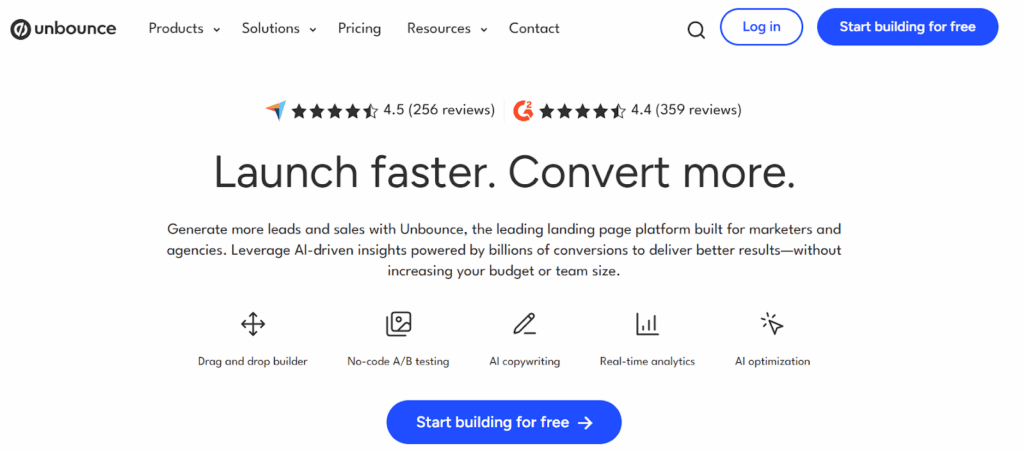
Unbounce is a popular landing page builder for marketers. It helps you build and test pages that convert better. You can build pages using its drag-and-drop editor, with no coding required.
It uses real data to help guide your designs. Every page you create uses data to drive real results. You can also create pop-ups and sticky bars to get more leads.
Unbounce also has some advanced features, such as AI tools and A/B testing. It helps you identify the best options and continually increase your performance over time. It can connect easily to HubSpot, Mailchimp, Google Analytics, and so on, so it all stays in one location.
Unbounce is one of the best CRO tools for eCommerce, SaaS, and agencies looking to increase their sales and sign-ups.
Key Features:
- Build pages with an easy drag and drop editor.
- Use ready templates built for conversions.
- Connect with over 1,000 tools and platforms.
- Track results with detailed analytics.
- Get expert support from the Unbounce community.
Pricing Plans
- Build: $74/month
- Experiment: $112/month
- Optimize: $187/month
- Agency: Custom pricing
All plans include a 14-day free trial.
(Prices shown are indicative and may vary with time. Check the official site for current pricing.)
Ideal For: Creating and testing high-converting landing pages, popups, and sticky bars without coding.
8. Instapage
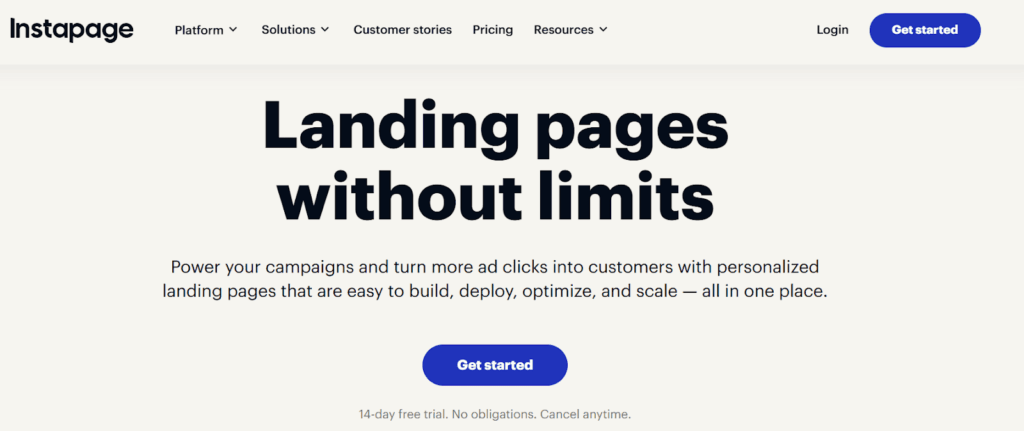
Instapage is a no-code landing page builder. It helps marketers build landing pages that convert.
You can design custom pages with its drag and drop editor and ready templates. Each page looks perfect on desktop and mobile.
Teams can edit and share feedback in real time. Instapage’s built-in Heatmaps and analytics show how people use your pages and what makes them click.
Also, AdMap links every ad to the right landing page for better performance and higher ROI.
Instapage offers personalization and easily connects with HubSpot, Salesforce, and Google Analytics to make campaigns easier to manage.
Key Features:
- Build landing pages with a drag-and-drop builder and 100+ customized templates.
- Use Instablocks to reuse and update content fast.
- Personalize pages in real time for each audience.
- Run A/B tests to find what works best.
- Add sticky bars and pop-ups to boost conversions.
- Keep data secure with enterprise-level protection.
Pricing Plans
- Create: $79/month for 15,000 visitors.
- Optimize: $159/month for 30,000 visitors.
- Convert: Custom pricing for large teams.
Includes a 14-day free trial on all plans.
(Prices shown are indicative and may vary with time. Check the official site for current pricing.)
Ideal For: Creating high-converting landing pages and improving ad ROI without coding.
9. UserVoice
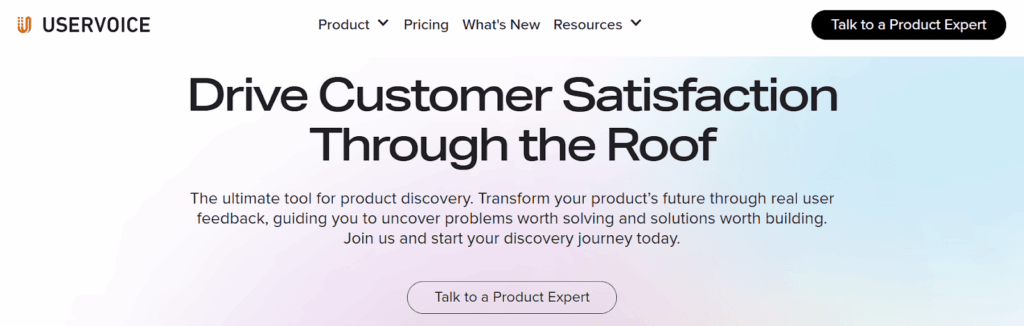
UserVoice helps businesses collect and manage feedback from customers and teams.
You can gather ideas through widgets, surveys, and forums. All feedback stays in one place, so you can see what users need most.
It helps you track requests and support tickets and create helpful knowledge bases. This makes it easier to plan updates that truly improve your product.
Analytics show trends and highlight new opportunities. You can see what works and make better product decisions with real user insight.
UserVoice works with tools like Jira, Slack, and Salesforce, so every team stays connected.
It is a great tool for SaaS companies and product teams that want to build better products based on what customers actually want.
Key Features:
- Gather customer feedback through portals and surveys.
- Centralize ideas and feature requests in one dashboard.
- Analyze insights to guide product improvements.
- Keep customers informed of implemented feedback.
- Align teams with shared data and product roadmaps.
- Integrate seamlessly with Jira, Slack, and Salesforce.
Pricing Plans
- Engage: $899/month
- Prioritize: $1349/month
- Enterprise: Custom pricing
(Prices shown are indicative and may vary with time. Check the official site for current pricing.)
Ideal For: Collect and analyze customer feedback to improve products, optimize customer acquisition cost, prioritize features, and align teams around user needs.
10. HubSpot
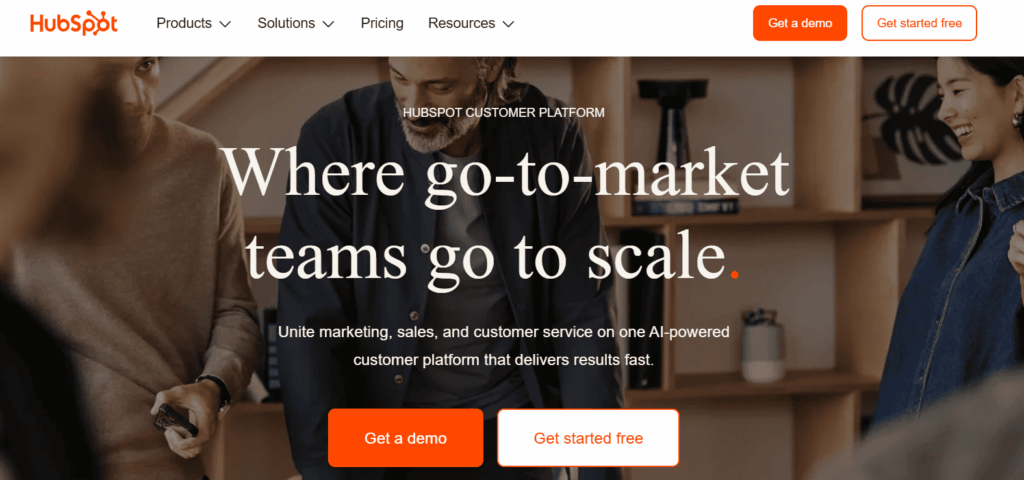
HubSpot is the strongest CRM platform that brings all your marketing, sales, service, and content tools together in one place. So your customer journey stays connected from start to end.
You can build landing pages, run A/B tests, and send automated emails from a single dashboard. The analytics help you see which pages perform well and where visitors stop.
It also includes lead capture forms that help you turn visitors into leads. You can design these forms easily using a simple drag-and-drop builder.
Whether you want to attract new leads or build lasting relationships, HubSpot helps you turn visitors into customers and customers into loyal fans.
Key Features:
- All key tools in one unified platform.
- Smart automation for faster workflows.
- Advanced analytics to boost performance.
- Built-in CRM for lead and contact management.
- Easy drag and drop page builder.
- AI tools and reports to improve results.
Pricing Plans
- Free Plan: $0
- Starter: $20 per month
- Professional: $890 per month
- Enterprise: $3,600 per month
(Prices shown are indicative and may vary with time. Check the official site for current pricing.)
Ideal For: Attracting leads, managing sales, and growing customer relationships with the best conversion rate optimization software.
Finally, our list of the 10 best conversion rate optimization tools of 2026 ends here. We covered everything you need to know about each tool so you can choose the one that fits your goals and business needs the best.
Now, let us move on to how you can choose the best conversion rate optimization tool for your website.
When Do You Need CRO Tools?
If your site brings visitors but not enough conversions, then the best conversion rate optimization tools can change that by providing valuable data on user behavior. Here is how they help you increase conversions and drive stronger results:
1. Understand User Behavior
The best conversion rate optimization tools help you see how people use your site and what makes them stop. Learn what catches attention and what needs improvement.
2. Better Return on Investment (ROI)
The best conversion rate optimization tools help you earn more from your current traffic. Even a small boost in conversion can bring a big jump in revenue.
3. Improved User Experience
Find and fix issues that confuse or slow down visitors. A simple and smooth experience helps people stay longer and take action.
4. Test New Ideas
Try different versions of your pages to see what works best. CRO tools help you with conversion optimization by testing safely before making big changes.
Pro Tip: From headline formulas to CTA placement and trust signals, strategic testing beats random changes. Discover proven tactics in our guide on eCommerce A/B testing to prioritize experiments that deliver measurable ROI instead of guessing.
5. Competitive Edge
Stay ahead with the best conversion rate optimization tools that help you improve your site faster than others. Small updates and regular testing keep your business growing.
6. Informed Decisions
Make choices based on real data, not guesses. The best conversion rate optimization tools show what your visitors want and how you can serve them better.
How to Choose the Right CRO Tools?
Finding the best conversion rate optimization tools for your needs can feel tricky. There are so many options out there. But the best one depends on your goals, team, and how you plan to grow.
Here is a simple way to make the right choice by analyzing user behavior :
- Define Your Goals: Be clear about what you want. Do you want more sales, more leads, or better engagement? When you know your goal, it is easier to pick the right tool.
- Know Your Traffic and Team: Big sites with lots of traffic can use advanced testing tools. Smaller sites can start with heatmaps or behavior tools. Also, pick something your team can use without technical help.
- Look for Seamless Integrations: Your CRO tool should work well with what you already use. It should connect easily with tools like Google Analytics, HubSpot, or your CRM. This keeps all your data in one place.
- Prioritize Simplicity and Usability: Pick a tool that feels easy to use. Look for drag-and-drop editors and a clean dashboard. If a tool takes too long to learn, your team won’t use it.
- Check Data Security: Your CRO tool handles visitor data. Make sure it follows privacy laws like GDPR and keeps everything safe.
- Evaluate Security and Compliance: Do not just pick the cheapest plan. Choose one that fits your budget now and can grow with your business later.
- Compare Pricing and Scalability: Quick help matters. Go for a tool with responsive support and clear tutorials. It makes things easier for your team.
- Try Before You Buy: Always use the free trial. Test how the tool works and if it fits your workflow. The right tool should make your job easier, not harder.
Conclusion
CRO tools help you turn your website visitors into real customers. They show how people use your site and what makes them take action.
However, choosing the right tool is not always easy since there are so many options out there. That is why we listed the 10 best CRO tools of 2026, including those that offer preference tests. Each one is tested and known to deliver real results.
Now, it is your turn to pick the tool that fits your goals. Start testing, learn what works, and make small changes that bring big growth.
We hope this guide helps you understand the best conversion rate optimization tools and how they can help your business grow.
If you have any questions, share them in the comments or contact experts at Aureate Labs today. We are here to help you grow faster and smarter.😀
FAQs
What does CRO mean in marketing?
CRO means Conversion Rate Optimization, which often involves customer satisfaction surveys to understand user needs. It helps you improve your website so more people take action. That action can be a sign-up, a purchase, or filling out a form.
How to optimize CRO?
Start by learning how users move on your site. Use tools that show clicks or scrolls. Test new headlines, layouts, and buttons. Keep pages simple, test variations, and guide users to one clear goal.
What are CRO strategies?
CRO strategies help you turn visitors into customers by understanding how users interact with your site. You can test different versions of a page, use reviews or trust badges, improve speed, and make forms easy to complete.
How to audit a CRO?
A CRO audit checks what stops users from converting. It looks at your Site data, user behavior, and page performance. You find weak spots and fix them to get better results.
Is a 30% conversion rate good?
Yes, it is a great rate. Most websites convert around two to five percent. A 30 percent rate means your site performs really well.






Post a Comment
Got a question? Have a feedback? Please feel free to leave your ideas, opinions, and questions in the comments section of our post! ❤️